
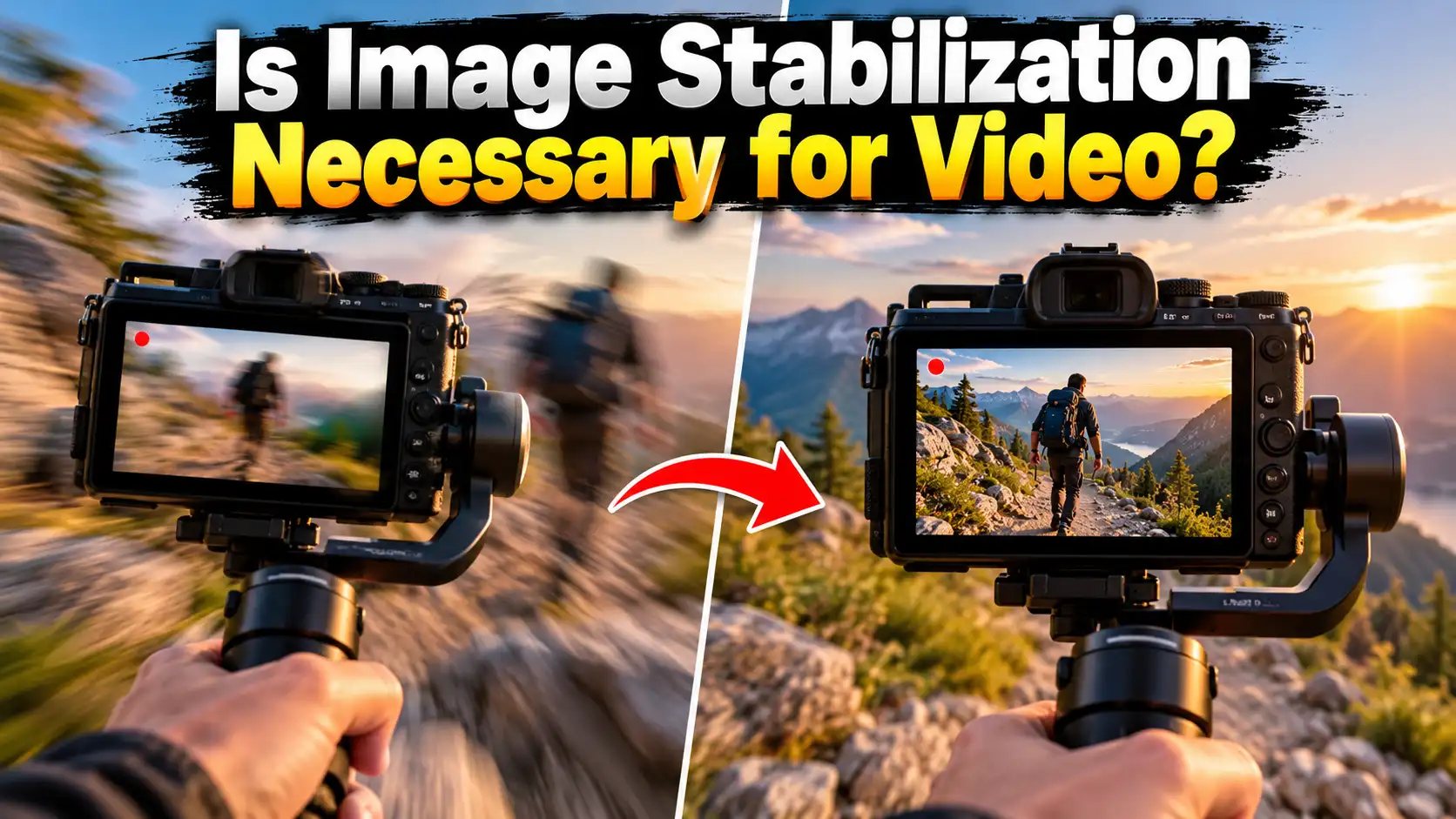
Have you ever filmed a great scene, only to find the clip is a shaky mess? Camera shake ruins good footage. This leaves many new buyers asking: is image stabilization necessary for video? In my experience at TechToGoal, the answer is a big yes for most users. Smooth video looks professional. Shaky video looks cheap and is hard to watch.
This guide will show you how stabilization works. We will look at lens features. We will look at camera bodies. We will even look at phone tech. You will learn what gear you really need. We will help you make a smart buying choice for smooth, clear shots.
Quick Answer
Yes, image stabilization is highly necessary for handheld video. Without it, your clips will bounce and shake. If you only use a heavy tripod, you do not need it. But for walking, vlogging, or tracking moving subjects, you must have in-body or lens stabilization to get smooth, pro-level video.
Understanding Camera Shake
When you hold a camera, your hands move. You breathe. Your heart beats. Your muscles get tired. All of this makes the camera shake. Even a tiny shake ruins a video clip. This problem gets much worse if you walk.
To fix this, camera makers use special tech. This tech smooths out the bumps. It keeps the image flat and steady. It makes your home videos look like a real movie.
What is Image Stabilization in Lens?
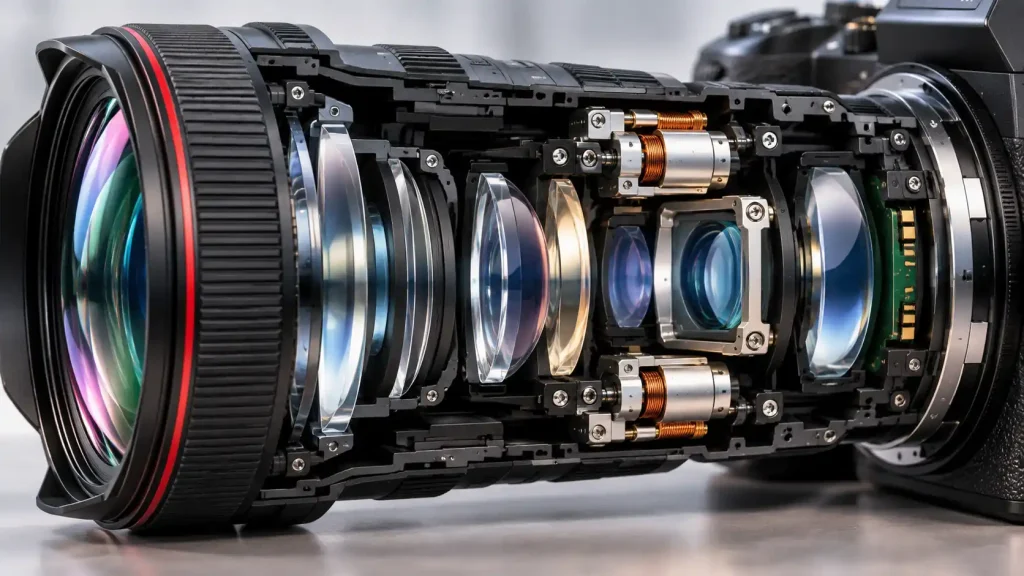
Lenses are made of glass. Lens stabilization uses small motors inside the lens tube. The glass pieces move to fight your hand shakes. When you move left, the glass moves right. This keeps the light steady.
Canon calls this “IS.” Nikon calls it “VR.” Sony calls it “OSS.”
This is great for long zoom lenses. The lens moves exactly when you move. It keeps the light flat before it hits the camera chip. This makes your video look very smooth. It also helps you frame your shot better. You can see the smooth image right on your screen.
Is In Body Image Stabilization Necessary?
In-body image stabilization is also known as IBIS. It moves the camera sensor itself. The whole chip shifts inside the camera. It matches your hand shake to stay flat.
Is in body image stabilization necessary? If you shoot video by hand, it is a total game changer. It works with any lens you attach. Even old lenses become steady. Even cheap lenses get smooth.
An inbody image stabilization camera gives you much more freedom. You can walk and film at the same time. The CIPA rating tells you how good the shake fix is. According to the CIPA camera testing standards, a higher stop rating means the camera can fix much larger shakes. A camera with a 7-stop rating is incredibly smooth.
The Five Axes of Shake
Good IBIS fixes five types of movement. We call this 5-axis stabilization.
-
Pitch: Tilting the camera up and down.
-
Yaw: Turning the camera left and right.
-
Roll: Spinning the camera in a circle.
-
X-Shift: Sliding the camera left and right.
-
Y-Shift: Sliding the camera up and down.
Lenses can only fix pitch and yaw. The camera body can fix all five. This is why a camera body with IBIS is highly valued by video shooters.
Lens Stabilization vs In Camera Stabilization
Both types do a good job. But how do they compare? You need to know the differences before you buy gear.
Lens Stabilization:
-
Best for very long zoom lenses.
-
You can see the fix on the screen right away.
-
Uses more battery power from the camera.
-
Only works on that one specific lens.
In Camera Stabilization (IBIS):
-
Works on every single lens you own.
-
Best for wide angle video and vlogging.
-
Fixes shake in up to five different ways.
-
Makes the camera body cost a bit more.
Also read: Best DSLR Camera For Professional Photography: Pro Guide
Does IBIS and Lens Stabilization Work Together?
Yes, they do! Many new cameras sync both systems. The lens and the body talk to each other. They share the heavy work.
The lens fixes big up-and-down shakes. The body fixes twisting and rolling shakes. This combo gives you the best video possible. Panasonic, Canon, and Sony are great at this. They call it Dual IS or Sync IS. If you want the smoothest handheld video, buy a camera and lens that work together.
What is Video Stabilization Samsung?
Many people shoot video on phones now. So, what is video stabilization Samsung? Samsung phones use a smart mix of optical and digital tech. They call it “Super Steady” mode.
First, the tiny lens fixes physical bumps. Then, the phone crops into the video frame. Finally, smart software smooths out the rest of the bumps. It works very well for fast action. You can run and film smoothly. But, it has a downside. It needs a lot of bright light to look good. In dark rooms, digital stabilization looks bad. The video gets blurry and noisy.
Is Image Stabilization Necessary for Photos?
You might also wonder: is image stabilization necessary for photos? Yes and no. It depends on your light and your subject.
For fast sports in bright light, you use a fast shutter speed. The fast speed freezes the action. You do not need stabilization here.
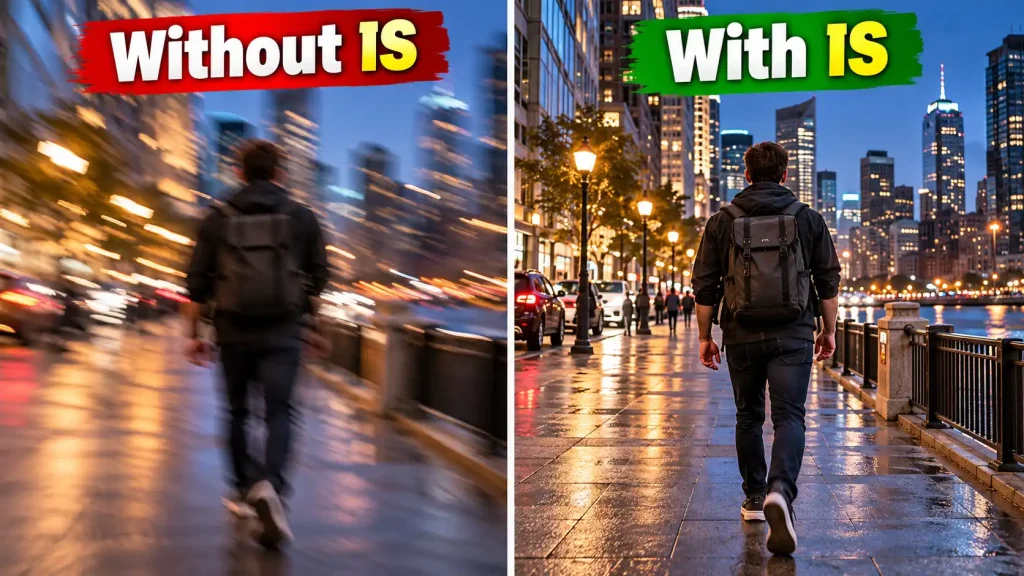
But in dark rooms, your shutter stays open much longer. Your hands will shake the photo. Stabilization lets you shoot in the dark without a flash. It keeps your night photos crisp and clear. It stops the blur. So, for dark scenes, it is very necessary.
Expert Tip
Expert Tip: Always turn off image stabilization when you put your camera on a tripod. If you leave it on, the internal motors will look for shakes that are not there. This will actually add tiny jitters to your perfect video clip! Save your battery and switch it off when the camera is locked down on a solid tripod.
IBIS vs Using a Gimbal
Some buyers ask if they should just buy a gimbal. A gimbal is a robotic arm. It holds the camera perfect and steady.
Gimbals give the best video smoothness. Nothing beats a gimbal for running shots. But they are heavy. They are hard to set up. They take time to balance.
IBIS is built right into the camera. You do not need to pack extra gear. You just turn the camera on and shoot. For most casual buyers and hobbyists, IBIS is much better. It saves space. It saves time. It makes travel filming very easy.
When to Get Professional Help or a Second Opinion
Camera stabilizers use tiny, exact parts. They use magnets and springs. They can break if you drop your camera bag hard.
You might hear a loud rattle inside the body. Your video might jump and skip on its own. This means the IBIS system is stuck or broken.
Do not try to fix this yourself. Opening a camera body will ruin the weather seal. It can also shock you. The parts are too small for home tools. If your sensor moves freely when the camera is turned on, take it to an approved service center. They have the right laser tools to set the sensor straight again. Always trust the pros for internal camera repairs.
Stabilization Tech Comparison Table
Here is a simple look at the three main ways to fix shaky video. Use this to help plan your gear budget.
| Tech Type | Where it Lives | Best Use Case | Main Drawback |
| Optical (OIS) | Inside the lens | Long zoom shots, sports | Only works on that one lens |
| In-Body (IBIS) | Inside the camera body | Wide angle, vlogging, travel | Makes the camera body cost more |
| Digital / Electronic | Inside the software | Action cameras, phones | Crops the video edge, needs bright light |
Common Mistakes Camera Buyers Should Avoid
Many buyers make simple errors when picking video gear. Avoid these costly traps:
-
Buying a cheap tripod instead of IBIS: A cheap plastic tripod shakes in the wind. It ruins video. Good IBIS is much better for travel and outdoor shooting.
-
Forgetting the crop factor: Digital stabilization cuts off the edges of your video. Your wide lens will not look as wide. Plan for this when buying a lens.
-
Leaving it on all the time: Panning your camera fast on a tripod with IBIS on will ruin the shot. The camera will fight your pan. Turn it off for tripod pans.
-
Thinking it fixes fast subjects: Stabilization only fixes your hand shake. It does not freeze a fast car. It does not freeze a running dog. You still need a fast shutter speed for that. For more on capturing fast subjects, the National Press Photographers Association guides offer great basics on freezing motion.
-
Ignoring lens compatibility: Not all lenses work with every IBIS system. Check the maker’s website before you buy a new lens.
FAQs
Do I need image stabilization for YouTube videos?
Yes, if you hold the camera. Handheld vlogging looks very bad if it shakes. Viewers will click away. If you just sit at a desk with a tripod, you do not need it at all.
Can I add stabilization in editing later?
Yes, you can. Software like Premiere Pro has a tool called Warp Stabilizer. But it crops your video tightly. It can also make the background look weird and wavy. Getting it right in the camera is always better.
Does image stabilization drain the battery?
Yes, it does. The small motors inside the lens and body use power. They run all the time. If you are low on battery and using a tripod, turn the stabilization off to save juice.
Which is better: OIS or IBIS?
They are good at different things. OIS is best for heavy, long zoom lenses. IBIS is best for wide and normal lenses. Having a camera that uses both at the same time is the best choice.
Why does my camera make a noise when I shake it?
If the camera is turned off, the IBIS sensor is floating inside. It will rattle a little bit. This is perfectly normal. When you turn the camera on, magnets grab the sensor and hold it tight. The rattle will stop.
Will IBIS work with manual lenses?
Yes. But you have to tell the camera the lens size. You go into the camera menu. You type in the focal length (like 50mm). Then the camera knows how much to move the sensor. It works very well.
Is digital stabilization good enough?
For phones and action cameras, yes. GoPros use pure digital stabilization. It works great outdoors in the sun. But in the dark, digital stabilization falls apart. Physical IBIS or OIS is much better for low light.
Conclusion
So, is image stabilization necessary for video? For anyone who shoots by hand, it is an absolute must. Shaky clips distract the viewer. Smooth clips look highly professional. They keep people watching.
A good inbody image stabilization camera gives you total freedom to walk and film. Using lens stabilization helps you zoom far away without blur. Both systems can work together for a perfect, movie-like shot. When you shop for your next camera, check the stabilization specs closely. Do not skip this feature. It is one of the most vital tools for a modern video maker. Grab a camera with solid IBIS, turn it on, and start shooting smooth clips today!

2 thoughts on “Is Image Stabilization Necessary for Video?”