
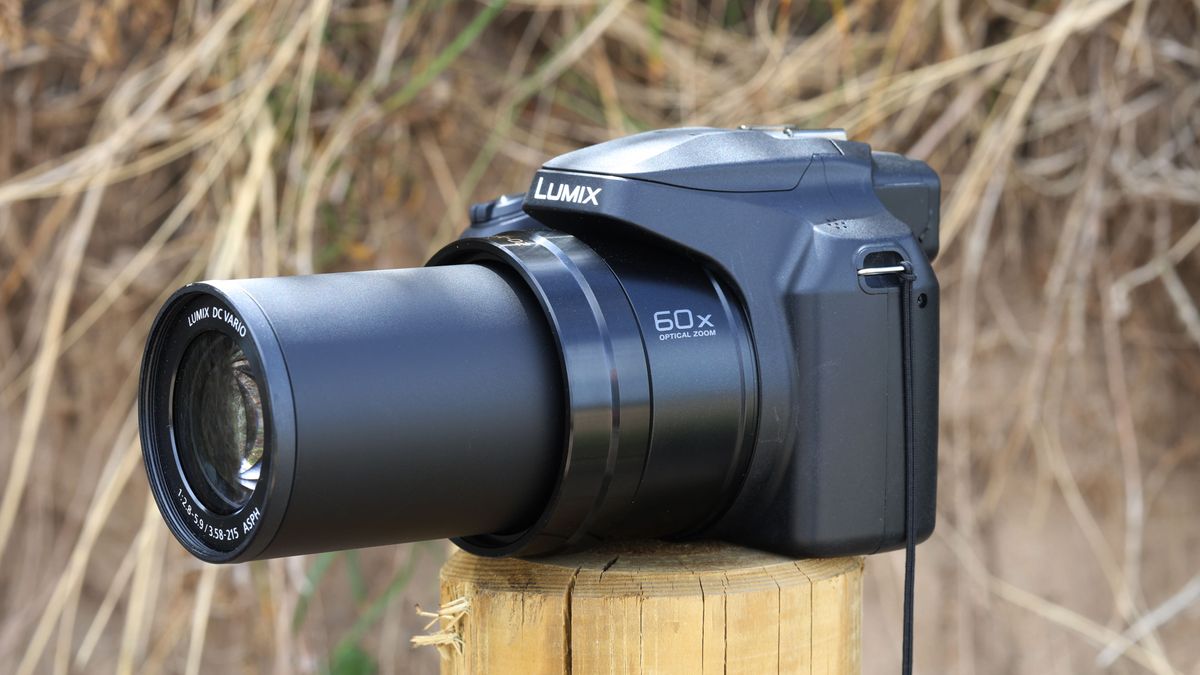
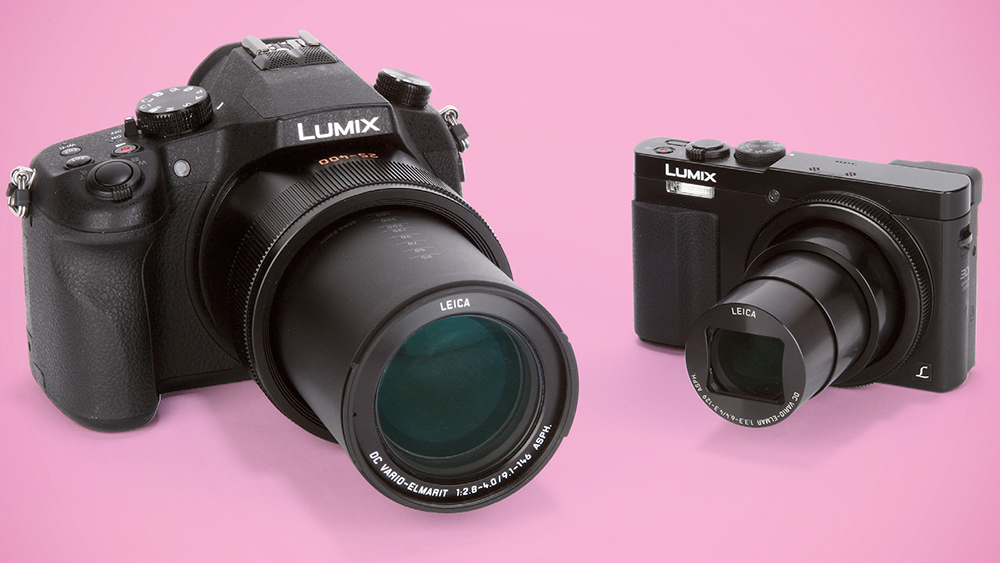
A bridge camera is a digital camera with a fixed zoom lens that sits between a compact camera and a DSLR.
A bridge camera gives you a powerful zoom, manual controls, and an electronic viewfinder in one easy-to-carry body. It can feel like a small camera with the reach of a much larger lens. This guide explains what a bridge camera is, how it works, its strengths and limits, and whether it fits your photography needs.
What Is a Bridge Camera?
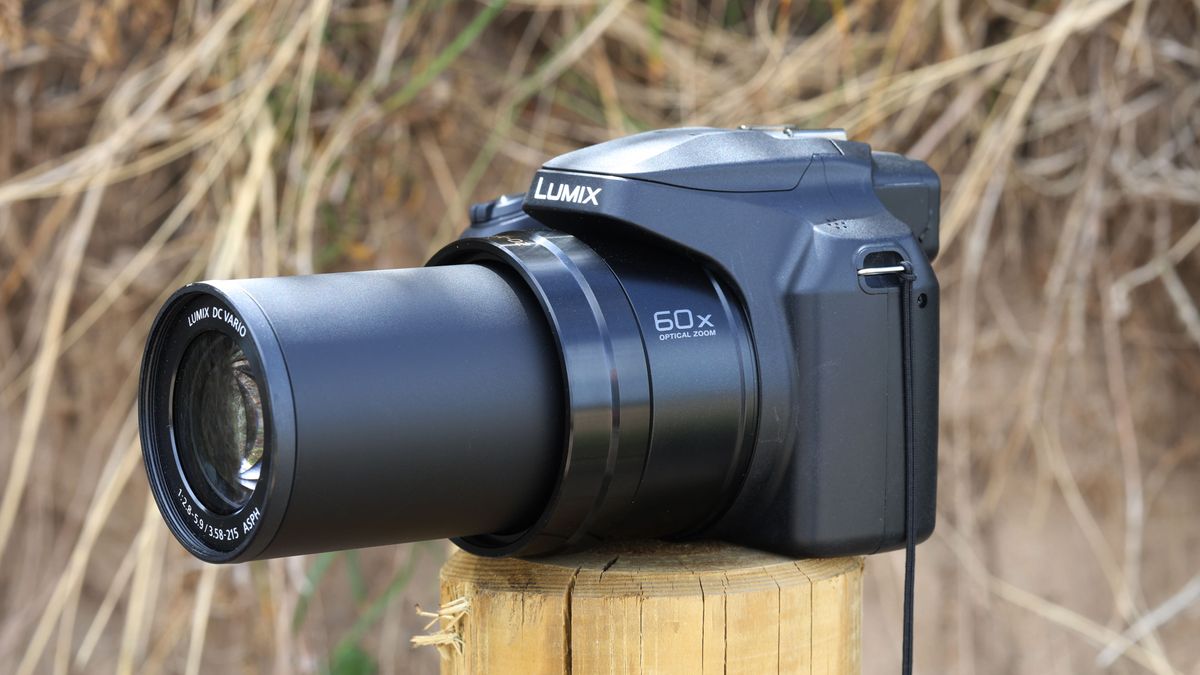
A bridge camera is a digital camera designed to fill the gap between a basic point-and-shoot camera and an interchangeable-lens camera. It usually has a fixed lens, a built-in electronic viewfinder, manual exposure controls, and a large optical zoom range.
The lens does not detach. Instead, it covers many focal lengths in one unit. You may use the wide end for a family group and then zoom in for a bird across a pond without changing lenses.
The word “bridge” describes its position in the camera market. It bridges the simple design of a compact camera and the control of a DSLR or mirrorless camera.
Most bridge cameras include:
• A fixed zoom lens
• An electronic viewfinder
• A rear LCD screen
• Manual exposure modes
• Automatic shooting modes
• Optical or electronic image stabilization
• A small or medium-sized image sensor
• Built-in flash
• High-definition or 4K video on many models
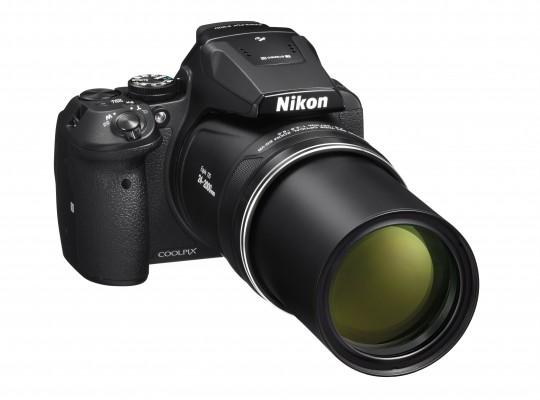
A bridge camera may look like a small DSLR. However, its lens and sensor work in a different way. The lens stays attached, and the sensor is often smaller than the sensor inside a DSLR or mirrorless camera.
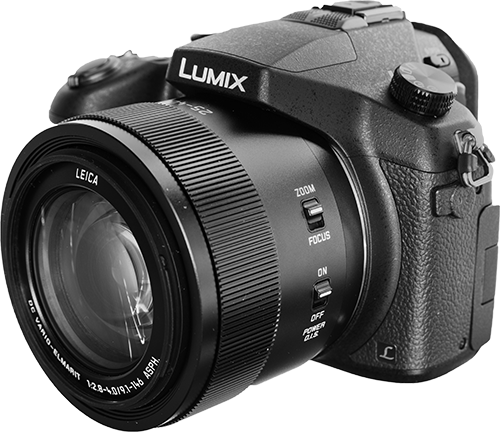
Source: ayearwithmycamera.com
How Does a Bridge Camera Work?
A bridge camera captures light through its fixed lens and sends that light to a digital image sensor. The camera then turns the sensor data into a photo or video file.
The lens uses a zoom system to change the field of view. At a wide setting, you see more of the scene. At a telephoto setting, distant subjects appear closer.
For example, a bridge camera with a 24–600mm equivalent zoom range can cover:
• Landscapes at the 24mm end
• Street scenes near 35mm
• Portraits near 85mm
• Sports and wildlife near 400mm or 600mm
These numbers often refer to full-frame equivalent focal lengths. The actual lens focal length is smaller because bridge cameras usually use a smaller sensor.
The electronic viewfinder shows a live preview from the sensor. This lets you see exposure, white balance, and color changes before you press the shutter. It also helps when bright sunlight makes the rear screen hard to read.
Many bridge cameras use a contrast-detection or phase-detection autofocus system. Newer models may also offer face detection, eye detection, animal detection, and subject tracking.
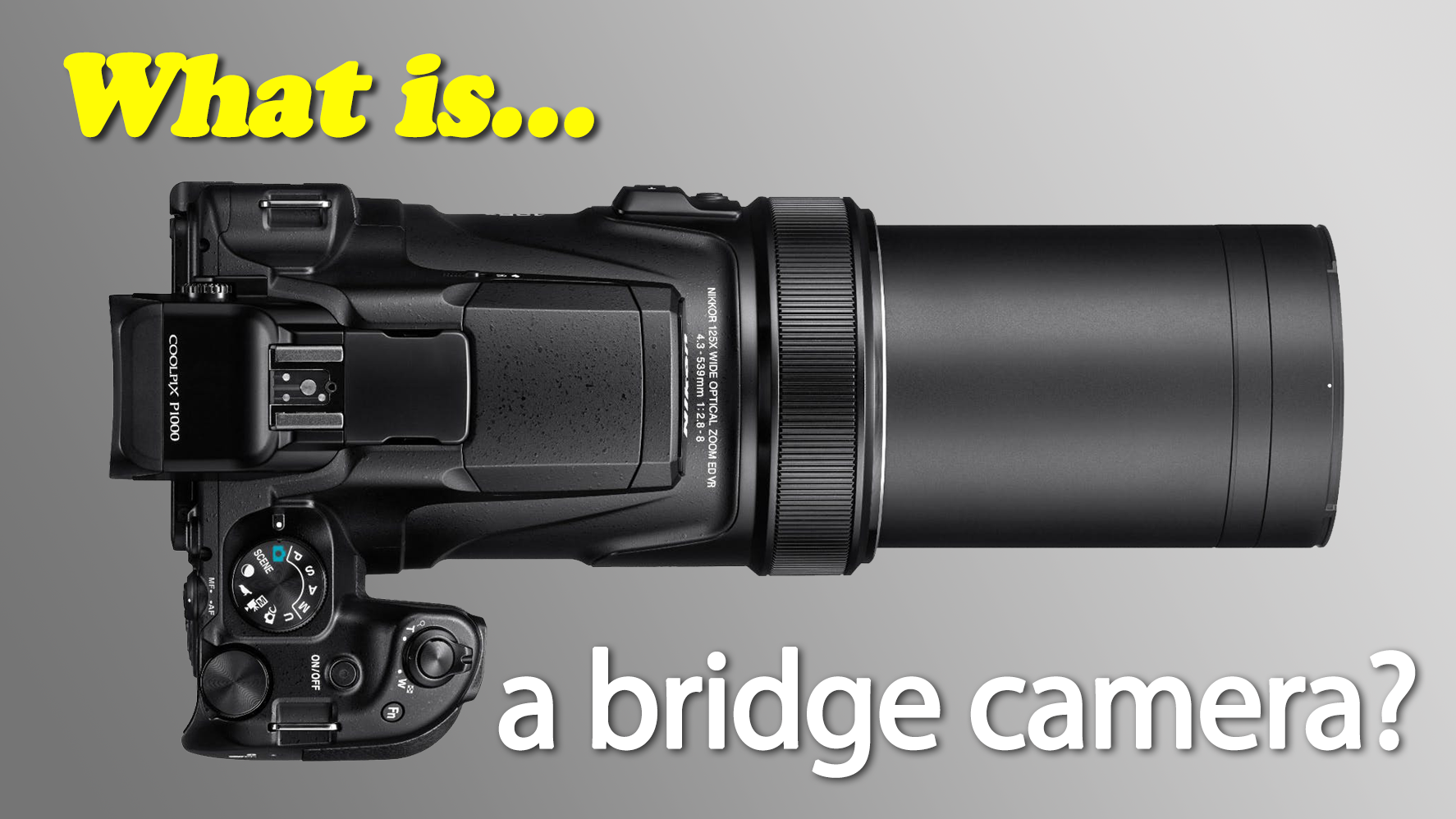
Source: digitalcameraworld.com
Key Features of a Bridge Camera
A bridge camera can offer a long list of features in one body. Understanding each feature helps you compare models without getting lost in marketing terms.
Fixed superzoom Lens
The fixed lens is the main feature of a bridge camera. It removes the need to carry several lenses or swap glass in dusty places.
A superzoom lens may cover a very wide range. This makes the camera useful for travel, family events, sports, wildlife, and outdoor photography.
The trade-off is that one lens cannot perform perfectly at every focal length. A long zoom may have a narrower maximum aperture, especially at its telephoto end. This can make low-light shots harder.
Electronic Viewfinder
The electronic viewfinder, or EVF, acts like a small screen inside the camera. It shows the image before capture and often displays helpful settings.
An EVF is useful when:
• You shoot in strong sunlight
• You need steady framing
• You want to track moving subjects
• You wear glasses and prefer a viewfinder
• You want to preview exposure before taking a photo
The quality of an EVF varies. A high-resolution EVF looks clearer and reacts more smoothly than a basic one.
Manual Controls
A bridge camera often includes the same main exposure modes found on advanced cameras:
• Program mode
• Aperture priority
• Shutter priority
• Manual mode
You can control shutter speed, aperture, ISO, focus, and white balance. These options make a bridge camera a useful learning tool for beginners who want to grow beyond automatic shooting.
Image Stabilization
Image stabilization helps reduce blur caused by camera movement. It is especially helpful when you zoom in on a distant subject.
Stabilization cannot freeze a moving bird or athlete. It only helps reduce your own movement. You still need a fast shutter speed for action.
A useful field lesson is simple: zoom makes small movements look larger. Even with stabilization, use both hands, support your elbows, and lean against a solid object when possible.
Video Features
Many current bridge cameras record Full HD or 4K video. Some include microphone inputs, slow motion, autofocus tracking, and a rotating screen.
A bridge camera can work well for travel videos, school events, nature clips, and family memories. However, check the camera’s heat limits, microphone options, and autofocus performance before buying it for serious video work.

Source: rtings.com
Bridge Camera vs. DSLR and Mirrorless Camera
The biggest difference is the lens system. A bridge camera has one built-in lens. A DSLR or mirrorless camera lets you remove the lens and choose another one.
A bridge camera is often easier for beginners because the complete system is ready to use. You do not need to research lens mounts, buy extra lenses, or carry a large camera bag.
A DSLR or mirrorless camera usually offers:
• A larger sensor
• Better image quality in low light
• More control over background blur
• Faster performance in many cases
• More lens choices
• Better upgrade options
A bridge camera usually offers:
• A much lower total cost
• A lighter travel kit
• A built-in long zoom
• A simpler learning path
• Less dust exposure because you do not change lenses
The choice depends on your goals. If you want one camera for vacations and distant subjects, a bridge camera may be the better fit. If you want professional portrait work, extreme low-light quality, or a system you can expand, mirrorless or DSLR equipment may serve you better.
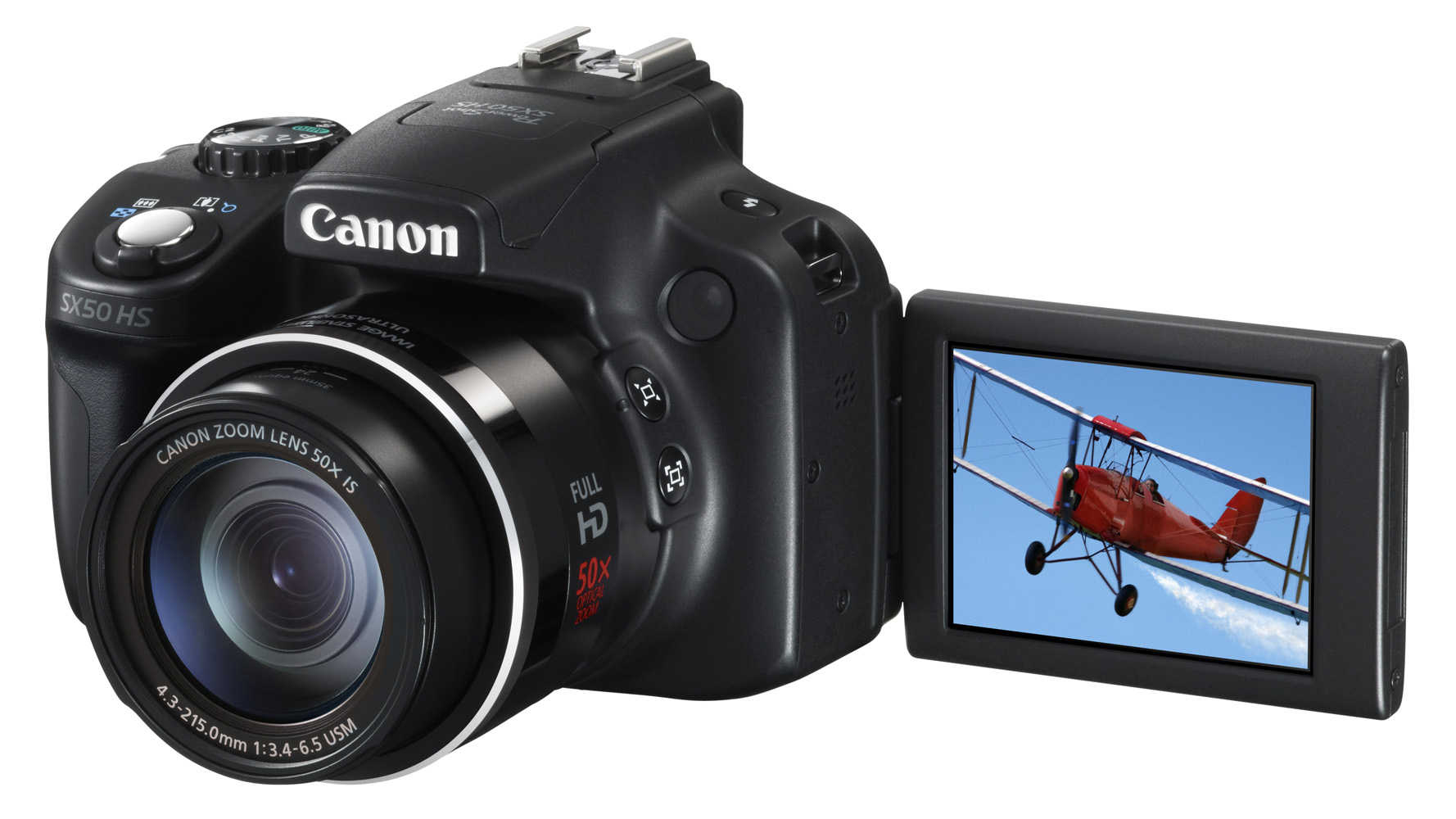
Source: techradar.com
Also read:Lens Stabilization vs In Camera Stabilization: Which Is Better for You?
Advantages of a Bridge Camera
A bridge camera offers several practical benefits. These advantages explain why many travelers, parents, bird watchers, and hobby photographers still choose this camera type.
Excellent Zoom Range
The long zoom is the strongest reason to buy a bridge camera. You can photograph a moon, bird, stage performer, or distant landmark without carrying a large telephoto lens.
This reach can save both money and space. A separate interchangeable lens with similar reach may cost more than the complete bridge camera.
Easy All-in-One Design
A bridge camera gives you a ready-made system. The lens, body, viewfinder, flash, and controls are already matched.
This design works well for travel. You can leave the camera in a small bag and respond quickly when a photo opportunity appears.
Lower Cost
A bridge camera often costs less than a mirrorless camera body plus a quality supertelephoto lens. It also reduces accessory costs because you may not need several lenses.
Still, compare the full package. A memory card, spare battery, camera bag, and tripod can add to the final price.
Good Learning Tool
A bridge camera can teach the basics of photography. You can begin with automatic mode and later explore aperture, shutter speed, ISO, exposure compensation, and manual focus.
This gradual path feels less overwhelming than buying a professional camera with many separate lenses.
Quiet and Convenient Shooting
Many bridge cameras use an electronic shutter or quiet shooting mode. This can help in museums, theaters, gardens, and wildlife settings.
Always follow local rules. Quiet operation does not give permission to photograph people in private situations.
Source: whatdigitalcamera.com
Limitations of a Bridge Camera
A bridge camera is flexible, but it is not perfect. Knowing its limits helps you make a smart choice.
Smaller Sensor
Most bridge cameras use a smaller sensor than modern DSLR and mirrorless cameras. A smaller sensor usually collects less light, which can create more image noise at high ISO settings.
Photos may look clean outdoors in bright light but lose detail in a dark room or at dusk. Good technique helps, but sensor size still matters.
Less Background Blur
A bridge camera can create some background blur, especially when you zoom in and place the subject far from the background. However, it usually cannot match the soft blur produced by a large-sensor camera with a bright lens.
If natural-looking background separation is your main goal, consider a mirrorless camera with a fast prime lens.
Slower Low-Light Performance
Superzoom lenses often become less bright as you zoom in. In low light, the camera may raise the ISO, slow the shutter speed, or struggle to focus.
A tripod can help with still subjects. For people, pets, or sports, you may need more light or a camera with a larger sensor.
Limited Upgrade Path
You cannot replace the lens on a bridge camera. If your interests change, you cannot move from a standard lens to a specialist macro lens or an ultra-wide lens.
You can still improve your results with accessories such as:
• A sturdy tripod
• A remote shutter
• A circular polarizing filter
• An external microphone
• A camera bag
• A spare battery
Long Zoom Needs Good Technique
At extreme zoom, camera shake becomes easy to see. Heat haze can also soften distant subjects. This is common when photographing across a parking lot, field, or lake.
Use a fast shutter speed, enable stabilization, and avoid digital zoom when image quality matters.
Source: techradar.com
Who Should Buy a Bridge Camera?
A bridge camera suits people who want strong reach without the cost and weight of a full interchangeable-lens kit.
It can be a good choice for:
• Travelers who want one versatile camera
• Parents photographing school sports
• Beginners learning manual camera controls
• Bird watchers working in good daylight
• People who want a powerful zoom for the moon
• Families recording vacations and events
• Hobbyists who dislike changing lenses
A bridge camera may not suit you if you mainly photograph indoor events, concerts, weddings, or professional portraits. In those cases, a larger sensor and brighter interchangeable lens can provide better results.
Think about your most common photo. If it is a distant subject in daylight, the bridge camera has a clear advantage. If it is a moving subject in a dark gym, another camera type may perform better.
Source: whatdigitalcamera.com
How to Choose the Best Bridge Camera
Do not choose a bridge camera by zoom power alone. A huge zoom number looks impressive, but other features affect real-world results.
Check the Lens Range
Look at both the wide and telephoto ends. A wide starting point near 24mm equivalent is useful for travel and groups. A long telephoto end helps with wildlife and sports.
Ask whether you truly need the longest reach. A slightly shorter zoom with better sharpness, autofocus, or low-light performance may be more useful.
Compare Sensor Size
A larger sensor often gives better low-light performance and image quality. It may also make the camera larger and more expensive.
Sensor size is only one factor, but it matters when you often shoot indoors, at sunset, or at high ISO settings.
Study Autofocus Features
Look for reliable subject tracking, face detection, and eye detection. These features help with children, pets, sports, and wildlife.
Read independent reviews that show autofocus results in real scenes. A feature list alone does not reveal how well the system works.
Review the Viewfinder and Screen
A clear, high-resolution EVF makes the camera easier to use. A screen that tilts or fully articulates can help with low-angle shots, overhead views, and video.
Try holding the camera if possible. Grip comfort matters during long walks and extended shooting sessions.
Check Battery Life and Weight
Long zoom cameras can still feel heavy after several hours. Check the weight, grip, battery rating, and availability of spare batteries.
A camera that stays in your bag because it feels uncomfortable is not a useful camera, no matter how impressive its specifications look.
Practical Tips for Using a Bridge Camera
Small habits can make a large difference in bridge camera results.
- Use the optical zoom instead of digital zoom. Optical zoom uses the lens and keeps more detail.
- Raise the shutter speed when zoomed in. A shutter speed of 1/500 second or faster can help with distant moving subjects, though the ideal setting depends on the subject and light.
- Support the camera well. Hold the grip with one hand and the lens area with the other.
- Shoot in good light when possible. Bright light helps the small sensor and long lens produce cleaner images.
- Use burst mode for action. Take a short series rather than one frame and hope for the best.
- Learn exposure compensation. If a bright sky makes your subject dark, add positive exposure compensation.
- Keep the lens clean. A small fingerprint can lower contrast and make photos look hazy.
- Avoid extreme digital cropping. Move closer when safe, or use the optical zoom before pressing the shutter.
- Use a tripod for the moon and distant still subjects. Turn stabilization off if the camera manual recommends doing so on a tripod.
- Review images at full size. A photo may look sharp on the camera screen but show blur on a larger display.
During hands-on testing, one common mistake stands out: photographers zoom all the way in before finding the subject. Start wide, locate the subject, then zoom slowly. This simple habit saves many missed wildlife and sports shots.
Is a Bridge Camera Good for Wildlife Photography?
A bridge camera can be very good for casual wildlife photography, especially in daylight. Its long built-in lens lets you frame animals from a safe distance without buying a large telephoto lens.
The smaller sensor also creates a crop effect that makes distant subjects appear larger in the frame. However, this does not create extra detail by itself. Light, focus accuracy, lens quality, and atmospheric conditions still control the final result.
For better wildlife photos:
• Photograph during early morning or late afternoon
• Use continuous autofocus
• Choose a fast shutter speed
• Track the subject before pressing the shutter
• Avoid shooting through dirty glass
• Keep your distance and respect wildlife
For serious wildlife work in poor light, an interchangeable-lens camera may offer faster autofocus and cleaner high-ISO images.
Is a Bridge Camera Good for Travel?
A bridge camera is often an excellent travel companion. One body can cover landscapes, food, architecture, portraits, and distant details.
It also reduces the need to change lenses in busy streets or dusty locations. That makes it easier to stay present and enjoy the trip instead of managing equipment.
Before traveling, practice the camera controls at home. Learn how to switch from wide angle to telephoto, change exposure compensation, and review battery life. Familiar controls help you react quickly when a memorable moment appears.
Pack a spare battery, memory card, rain cover, and small cleaning cloth. These simple items can prevent a minor problem from ending a full day of photography.
Frequently Asked Questions About What Is a Bridge Camera
What is a bridge camera used for?
A bridge camera is used for travel, wildlife, sports, family events, landscapes, and everyday photography. Its fixed superzoom lens makes it useful when you need many focal lengths without carrying extra lenses.
Is a bridge camera better than a phone?
A bridge camera usually offers a much longer optical zoom, a real viewfinder, better manual controls, and stronger handling. A modern phone may produce better quick photos in some low-light scenes because of advanced computational processing.
Can you change the lens on a bridge camera?
No, the lens on a bridge camera is permanently attached. This makes the camera simple and convenient, but it also limits your ability to upgrade to specialist lenses.
Is a bridge camera good for beginners?
Yes. A bridge camera is beginner-friendly because it offers automatic modes while also allowing you to learn manual controls. It provides a gentle path from phone photography to more advanced camera skills.
Can a bridge camera take professional photos?
A bridge camera can produce excellent photos in good light and with careful technique. However, professional work in low light, fast action, or demanding commercial settings may benefit from a larger sensor and interchangeable lenses.
Does a bridge camera have a mirror?
Most bridge cameras do not have a mirror. They use an electronic viewfinder and a digital sensor, much like a mirrorless camera.
How long does a bridge camera last?
A bridge camera can last for many years when kept dry, protected from drops, and stored with a charged battery removed during long periods of nonuse. Its useful life also depends on battery health, shutter wear, and changing technology.
Conclusion
A bridge camera is an all-in-one digital camera that combines a fixed long-zoom lens with manual controls, an electronic viewfinder, and simple handling. It offers more reach than a phone or basic compact camera while avoiding the cost and complexity of a full lens system.
Its main strengths are convenience, zoom power, value, and ease of learning. Its main limits are the smaller sensor, weaker low-light performance, less background blur, and lack of interchangeable lenses.
Choose a bridge camera if you want one flexible camera for travel, wildlife, sports, and family moments. Compare sensor size, autofocus, lens range, battery life, and comfort before buying. Then practice with the camera often, explore its manual modes, and share your best results or questions in the comments.
