
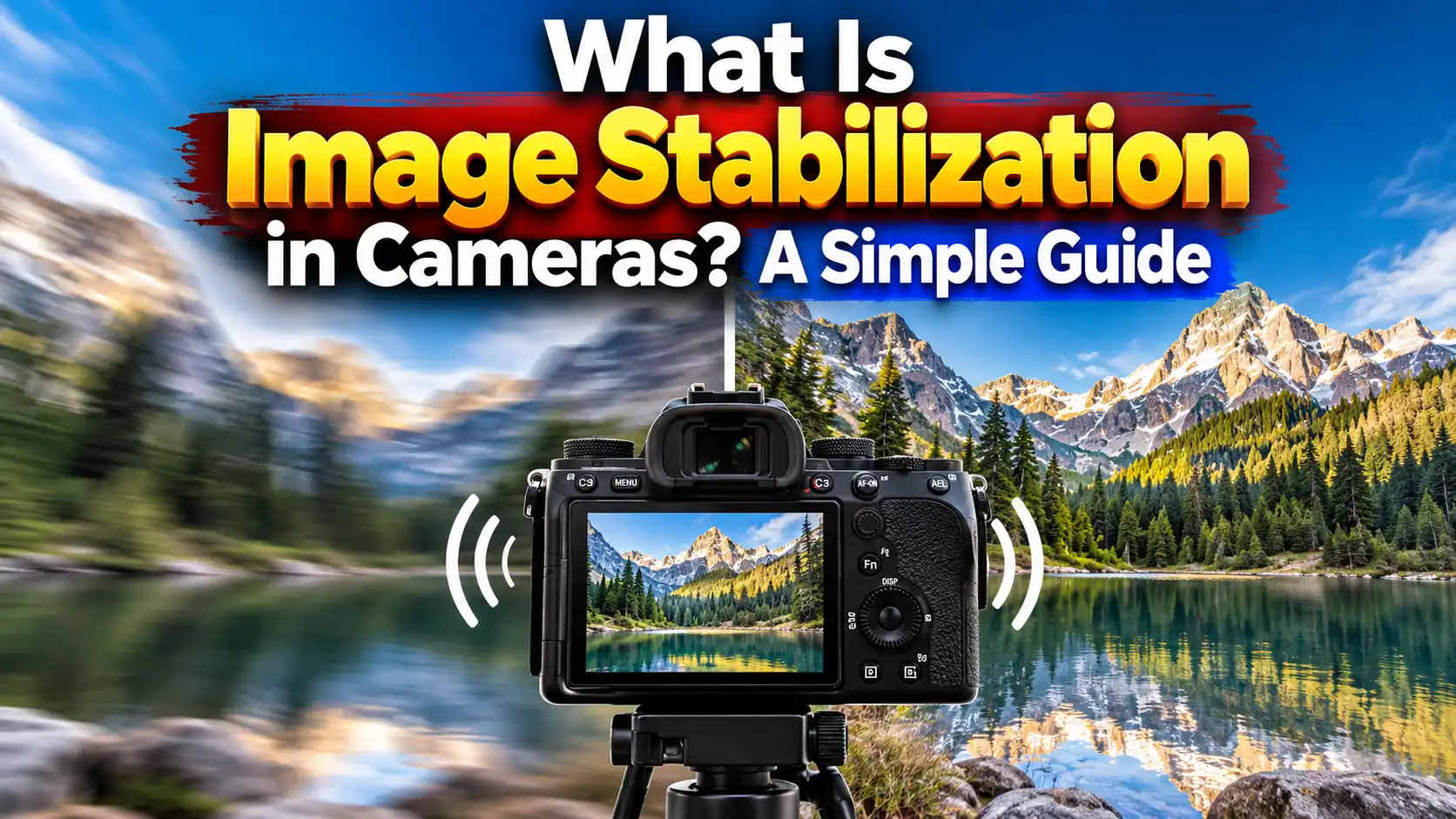
Do you hate blurry photos? Camera shake is a big problem. You press the button to take a shot. Your hands move just a tiny bit. The picture gets fuzzy. This ruins a great shot. You might feel mad. You might ask, what is image stabilization? It is a smart tool. It lives inside your camera. It can live in your lens too. It stops the blur. It keeps your photos sharp.
In my time as a gear tester, I see this issue a lot. People buy a great camera. They still get soft shots. They do not know how this tech works. This guide will help you. You will learn how it fixes your shots. You will learn if you really need it. We will look at all the types. Let us dive right in and learn.
Quick Answer
What is image stabilization? It is a smart tech tool in your lens or camera body. It feels your hands shake. It moves small parts inside to cancel that shake. This gives you clear and crisp photos. It helps the most in the dark. It helps when you zoom in far.
What is Image Stabilization in Photography?
tis all about light. Light goes in the lens. It hits the sensor inside. Sometimes, the light is very low. You might be in a dark room. You might be out at night. The camera needs more time to catch the light. The shutter stays open longer.
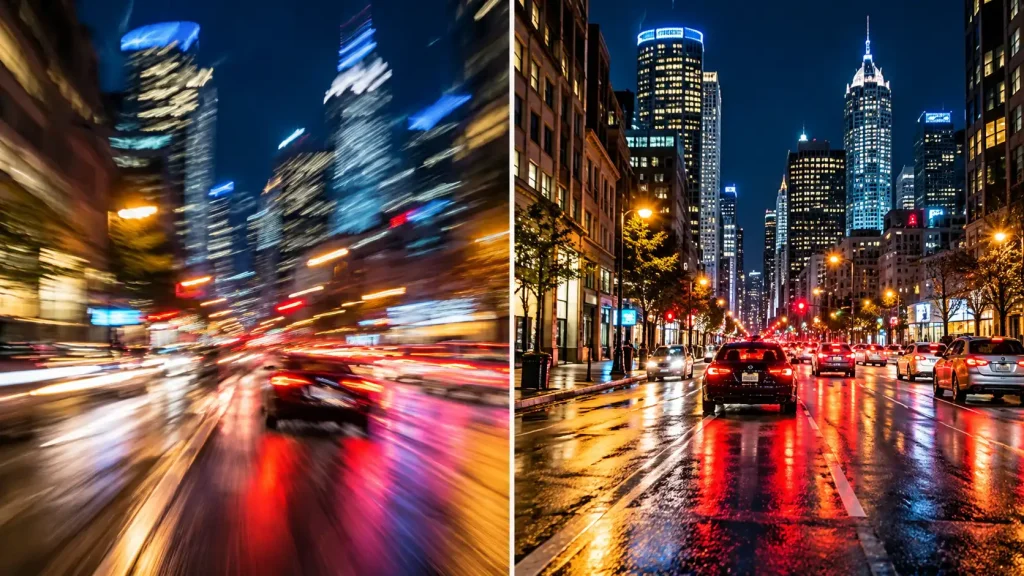
When the shutter is open, your hands will shake. You can not help it. We all do it. Breathing makes you shake. This shake makes the picture soft and bad. Image stabilization fights this shake. It senses the bad move. It shifts the parts inside. It keeps the light still. You get a crisp shot. Your photos look clean and clear.
The Old Rule of Thumb
Let me share an old rule with you. It helps you get sharp shots. It is the shutter speed rule. You match the speed to the lens length. Say you have a two hundred mil lens. You need a speed of one over two hundred. This fast speed stops the hand shake.
But light is not always bright. You can not use that fast speed in a dark room. This is where the shake fix steps in. It lets you use a slow speed. You can shoot at one over ten. The photo stays sharp. This is like magic. It changes how we shoot all our photos. The CIPA guidelines for camera testing measure this help in “stops.” More stops mean you can shoot in darker rooms.
Types of Shake Fixes
Camera makers fix shake in a few ways. Let us look at each one. They all do the same job. They just do it in different ways.
Optical Image Stabilization
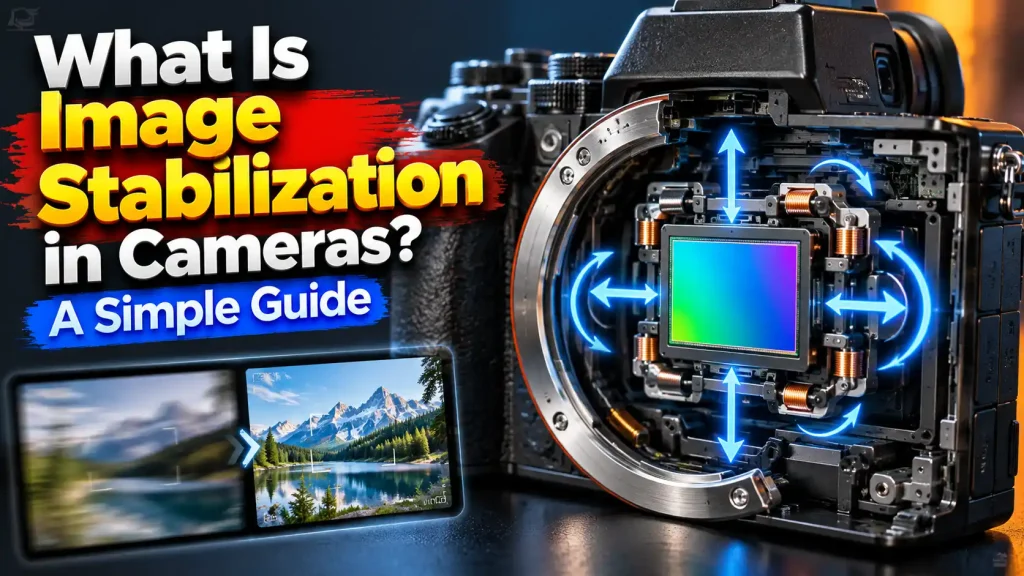
You might ask, what is image stabilization in lens? This is it. We call it OIS for short. Optical image stabilization uses a small glass part. It sits right in the lens tube. It moves up and down. It moves left and right. It moves to match your hand. It bends the light back to the right spot. Many big zoom lenses use this. It works very well for long shots.
In-Body Tech (IBIS)
We call this IBIS. It is short for in-body tech. This sits inside the camera body itself. The big sensor moves around. It shifts on five axes. It shifts up, down, left, right, and rolls. This is great for old lenses. The old lens does not need the tech. The camera body does all the hard work. You save cash on new lenses.
Electronic Image Stabilization
Electronic image stabilization uses pure software to fix the shake. We call it EIS. The camera looks at the live video. It crops the frame. It cuts the edges off. It moves the frame to match the shake. Action cams use this a lot. It is great for very smooth clips. But, you lose a bit of the edge. The view gets a bit tight.
Hybrid Image Stabilization
Hybrid image stabilization is the best choice you can make. It uses the glass in the lens. It uses the software too. Sometimes it uses the body and the lens. They talk to each other. They work as a tight team. You get super smooth video. You get very clear photos. Vloggers love this tech the most.
How Image Stabilizer Canon Gear Works
Different brands use different names. Canon calls its lens tech IS. If you buy an Image Stabilizer Canon lens, it has tiny gyros. They live inside the tube. They feel your move in real time. They move the glass to fix it fast. Canon also uses in-body tech on its new gear. They work as one unit. The official Canon lens technology guide shows how they pair up to give you the sharpest shot. It is a neat system to use.
Other brands have names too. Nikon calls it VR. Sony calls it OSS. Sigma calls it OS. Do not get confused. They all mean the same thing. They all stop the blur.
Is Image Stabilization Necessary for Photos?
Do you really need it? Yes, for most folks. It helps a lot. It helps in the dark. It helps when you zoom in on a bird. But, you do not always need it for every shot.
Are you shooting fast sports? Fast shutter speeds freeze the action on the field. The tech does not help here. You just need a very fast speed. The shake fix stops hand blur. It does not stop a fast runner.
Are you using a tripod? Turn the tech off right now. The tripod keeps the camera dead still. The tech might get confused. It feels no shake. It might try to move anyway. It might add blur to a good shot. We do not want that. Keep it off when the camera sits on a stand.
Mode 1 and Mode 2 Shake Fix
Many lenses have a switch for modes. Mode 1 fixes shake in all ways. It moves up, down, left, and right. You use this for still things. You use it for portraits.
Mode 2 is for action. It is for panning. You follow a fast car with your camera. You move the camera left to right. Mode 1 would fight you. Mode 2 is smart. It turns off the left and right fix. It only fixes the up and down shake. This gives you a sharp car and a cool blurred background. Use Mode 2 for sports and race cars.
Does it Drain the Battery?
Yes, it does. The tech uses tiny motors. The motors need juice to run. They draw power from your main battery. If you leave it on all day, your battery will die fast. If you do not need it, turn it off. Turn it off in bright sun. Turn it off on a tripod. This will save your battery life.
Image Stabilizer Online Tools vs. In-Camera Tech
Sometimes, you take a bad video. It shakes way too much. You want to save it. You can use an image stabilizer online. Web sites let you post clips. They use software to smooth them out on the web.
It works okay in a pinch. But, there is a big catch. The software cuts the view. It cuts off the sides of your shot. Your clip might look a bit soft and strange. The colors might shift. It is always best to fix shake in the camera first. Get it right at the start. Do not rely on web tools if you can help it.
Pros and Cons of Each Type
Here is a quick look at the types. This will help you shop.
| Tech Type | Good For | Bad For |
| In-Lens (OIS) | Long zoom shots, sports | Costs more to buy |
| In-Body (IBIS) | Old lenses, wide shots | Makes the body heavy |
| Software (EIS) | Action cams, fast video | Cuts the frame size |
| Hybrid Tech | Pro video, daily vlogs | High price tag |
When to Get Professional Help or a Second Opinion
Tech can break down. Lenses get dropped on the floor. The shake fix can go bad. How do you know it is broke? You will see clear signs.
The image in the finder might jump around. The lens might make a loud grind noise. The photos might look worse than with the tech off. Do not open the lens. It has tiny glass parts. It has high tech wires. You will let dust in. You will ruin it for good.
Take it to a real pro shop. A pro must fix it safely. A bad shake fix means you need a pro right away. You can trust the big tech labs. The DxOMark camera sensor testing pages show how exact these small parts are. You can not fix them on a desk. Get a second opinion if the fix costs too much. It might be time to buy a new lens.
Expert Tip: In my time as a gear tester, I see this big mistake all the time. Folks leave the shake fix on when using a tripod. Do not do this. The camera tries to fix a shake that is not there. This makes the photo soft. Turn it off when the camera sits still. You will get a much sharper shot.
Common Mistakes Camera Buyers Should Avoid
Watch out for these traps. Do not make these bad moves when you buy or shoot.
-
Paying for both: Do not buy a high cost OIS lens if your body has great IBIS and you shoot wide. Save some cash for a trip.
-
Leaving it on all the time: Turn it off on a tripod. I said this, but it is key. It wastes battery. It ruins the shot.
-
Thinking it freezes folks: The tech stops hand shake. It does not freeze a fast dog or a running child. You still need a fast shutter for that.
-
Ignoring the crop: If you shoot video with EIS, frame very wide. The software will cut the edges off your clip.
-
Buying it for flash: If you use a strong flash, the flash freezes the shot. You do not need the shake fix for studio flash work.
FAQs For What Is Image Stabilization in Cameras
Can I add stabilization to my camera body?
No. You can not add it inside an old body. You can buy a new lens with it. Or you can buy a gimbal hold tool.
Does it drain the battery fast?
Yes. The tiny motors use juice. Turn it off to save your power for more shots.
Which brand has the best shake fix?
It changes each year. Most big brands do a great job now. Just look at recent tests. Canon, Sony, and Nikon all make great tools.
Should I use it for video clips?
Yes. It makes clips very smooth. Hybrid tech is best for this job. It stops the bounce when you walk.
Does it make photos less sharp?
No. It makes them sharp. But if you leave it on when on a tripod, it can add blur to a good shot.
Do I need it for wide shots?
Not always. A wide lens hides hand shake very well. You need it more for long zoom shots.
Can it fix a blurry subject?
No. It only fixes your hand shake. If a car drives by fast, the car will still blur. You need a fast shutter for the car.
Conclusion
We asked at the start, what is image stabilization? Now you know the truth. It is a great tool for any shooter. It stops the bad blur. It helps you take sharp photos in the dark. It gives you smooth videos when you walk.
Look for this smart tech when you buy your next gear. It is worth the extra cost. It saves so many shots in low light. Check your lens today. See if it has the switch on the side. Go out and shoot a photo. Try it on. Try it off. See the clear change for yourself. Turn it off on a tripod. Keep it on in the dark. Go out, have fun, and take a great, sharp shot.

1 thought on “What Is Image Stabilization in Cameras? A Simple Guide”