
Introduction
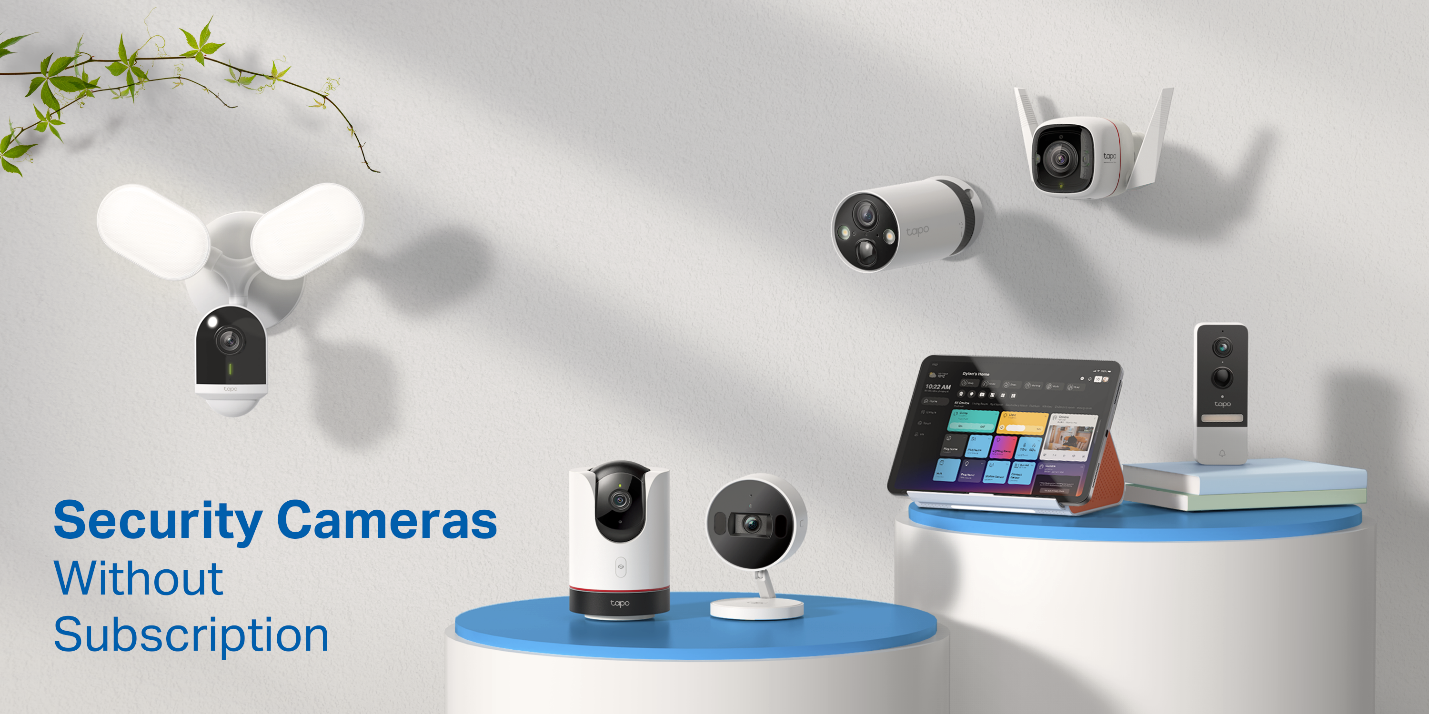
Many home security cameras sold in the United States can work without a monthly subscription. The best options usually store video on a microSD card, a network video recorder (NVR), or a local hub instead of requiring cloud storage. Some also offer free live viewing, motion alerts, two-way audio, and playback without a paid plan.
The trade-off is that subscription-free cameras may require more setup, local storage management, or an upfront purchase of a memory card or recorder. Features such as cloud backups, extended video history, advanced person detection, and professional monitoring may still require payment.
This guide explains how no-subscription security cameras work, which storage types to consider, what features remain free, and how to choose a system for a house, apartment, rental property, or small business in the United States.

Source: Bing
Quick Answer: Which Home Security Cameras Do Not Require a Subscription?
The main types of home security cameras that do not require a subscription are:
- Local-storage cameras that save recordings to a microSD card.
- NVR camera systems that record to a hard drive inside a local recorder.
- Hub-based systems that store footage on a local base station.
- Some cameras with limited free cloud storage, although cloud features and retention limits vary.
- Wired cameras with local recording, including many PoE and traditional CCTV systems.
Examples commonly marketed for subscription-free operation include selected cameras from Reolink, Eufy, Tapo, Lorex, and some other manufacturers. However, the exact model matters. A brand may offer one camera with local recording and another model whose important features depend on a cloud plan.
Before buying, confirm four details on the manufacturer’s product page or manual:
- Whether live viewing works without a subscription.
- Whether motion recordings can be saved locally.
- Whether the camera requires a paid account for notifications or playback.
- Whether local recordings can be viewed remotely when you are away from home.
A camera can be described as “no subscription required” while still needing an app account, Wi-Fi, a microSD card, or a paid plan for optional cloud services.
Source: Bing
How Subscription-Free Security Cameras Store Video
A subscription-free camera avoids recurring cloud-storage charges by recording video somewhere you control. The storage method affects cost, convenience, privacy, and what happens if the camera is stolen.
MicroSD card storage
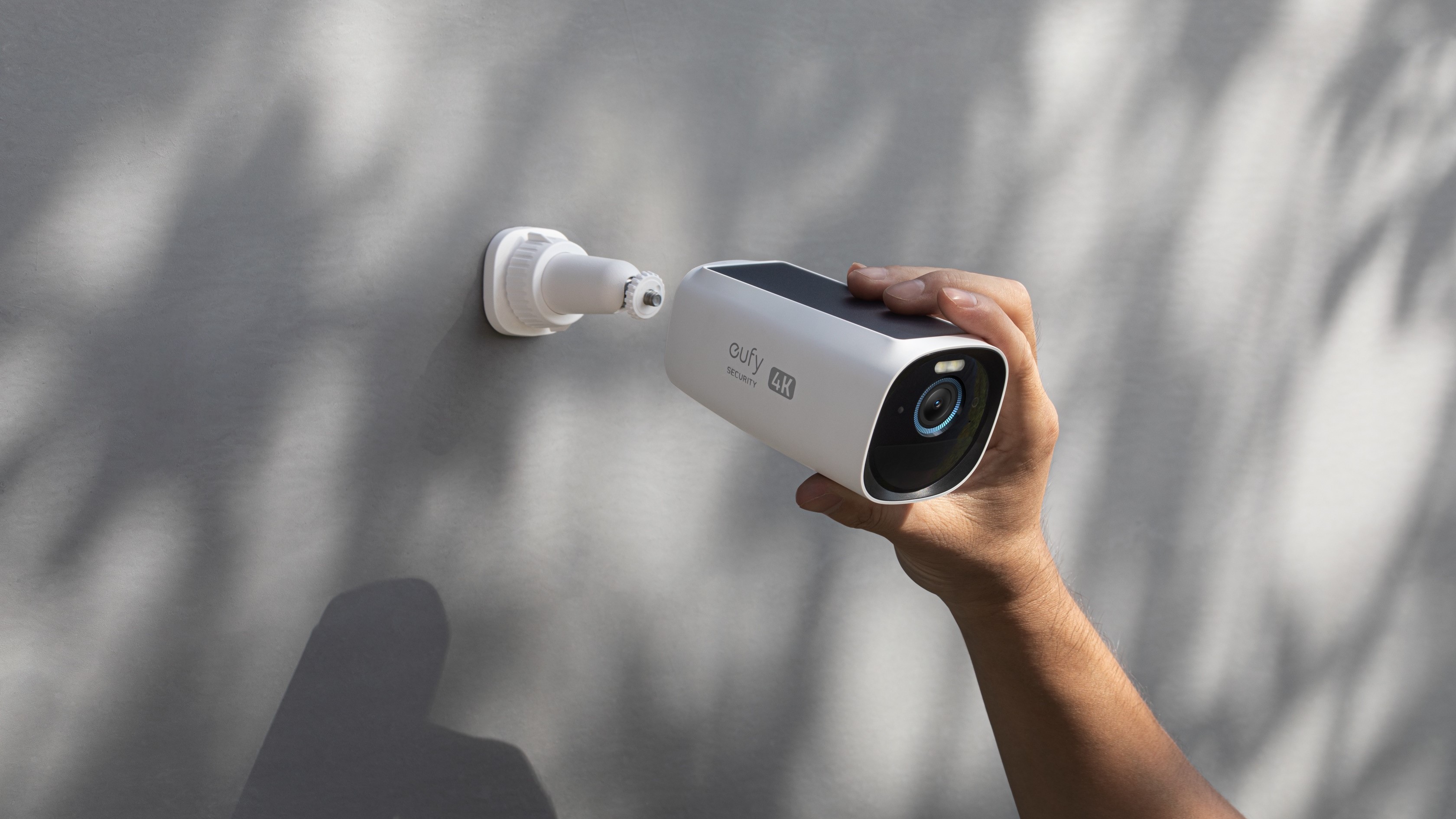
A microSD card is inserted directly into the camera. When motion occurs, the camera saves a video clip to the card. Many cameras also support continuous recording if the model, card capacity, power supply, and software support it.
Advantages:
- Low initial cost.
- No monthly storage fee.
- Recordings remain in the home rather than automatically uploading to a cloud account.
- Easy installation for indoor cameras and some outdoor models.
Limitations:
- A thief could remove or damage the camera and card.
- The card eventually fills and older footage is overwritten.
- Low-quality or incompatible cards can cause recording failures.
- Retrieving footage may require access to the camera or its app.
- A camera failure can make the stored footage inaccessible.
For security cameras, use a reputable, high-endurance microSD card that matches the manufacturer’s recommended capacity and speed. Ordinary cards designed mainly for occasional photography may wear out faster under continuous recording.
Network video recorder storage
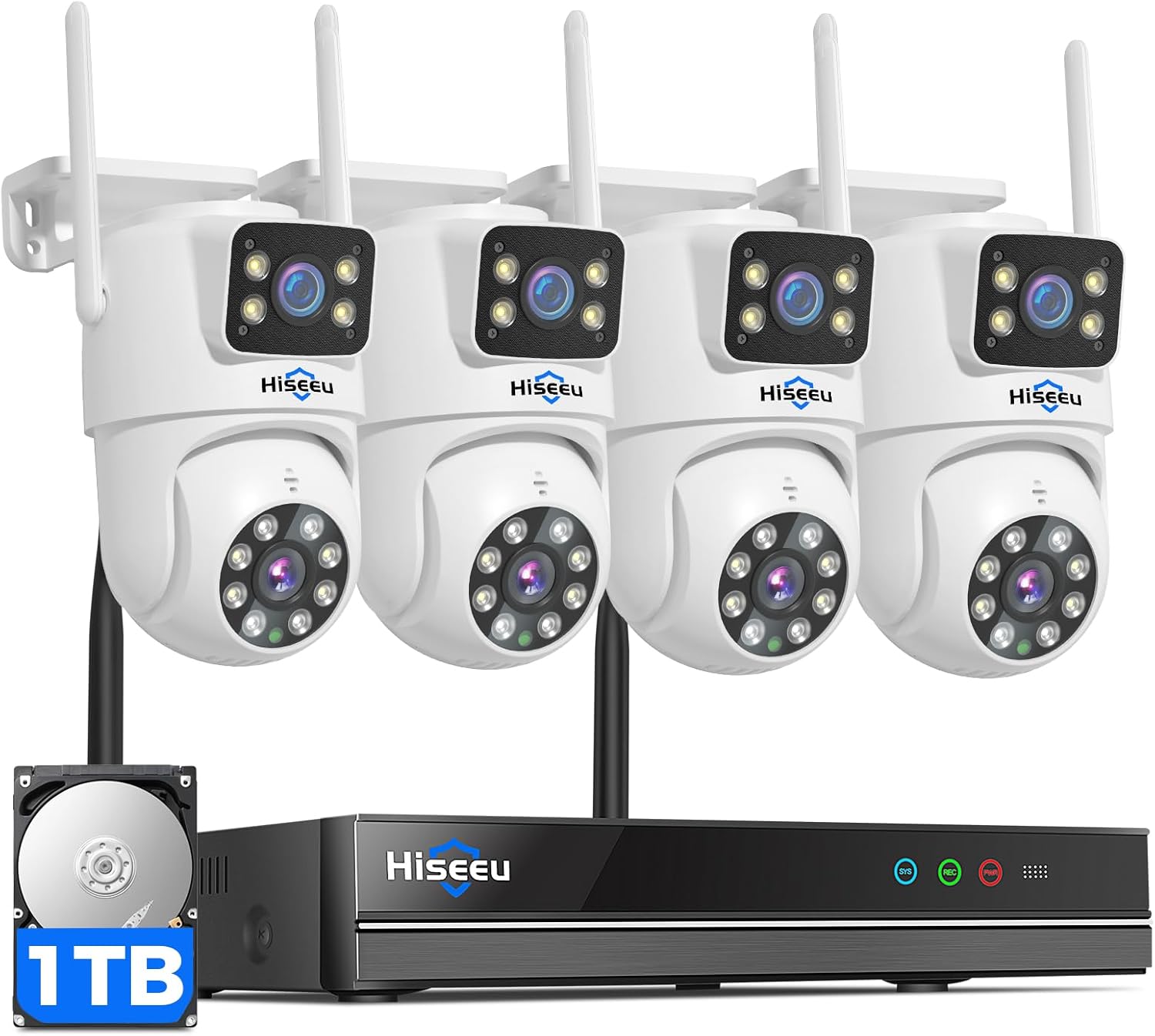
An NVR is a dedicated recorder that stores footage from compatible wired or wireless cameras. NVR systems are common with PoE cameras, where one Ethernet cable can carry both data and power when the equipment supports it.
Advantages:
- Centralized storage for several cameras.
- Better protection against the loss of one camera.
- Large hard-drive capacity.
- Suitable for continuous recording.
- Often works without a cloud subscription.
Limitations:
- Higher upfront cost.
- More complicated installation than a single Wi-Fi camera.
- The NVR itself can be stolen, damaged, or disconnected.
- Remote access requires network configuration and secure account controls.
- Cameras and recorders may not be interchangeable across brands.
An NVR is often the better choice for a house, workshop, or small business that needs several cameras and longer recording history.
Local hub or base-station storage
Some camera systems use a separate hub or home base to store video. The camera communicates with the hub, which may contain internal storage or support an external drive.
This design can reduce the amount of storage inside each camera and may make it easier to manage several devices. It also creates another piece of equipment that must remain powered and connected.
Check whether the hub stores full-resolution clips, event-only recordings, or only a backup copy. Some systems still upload thumbnails, device information, or selected events to the manufacturer’s servers even when recordings are stored locally.
Free cloud storage
Some manufacturers provide limited cloud storage at no charge. Free plans may include a short retention period, a small number of cameras, or event clips rather than continuous recording.
Free cloud storage is not the same as a fully local system. It depends on the manufacturer’s account, servers, policies, and internet connection. It can be convenient, but the provider may change storage limits or move certain features behind a paid plan.
Source: Bing
The Best Types of No-Subscription Security Cameras
There is no single best design for every U.S. home. The right choice depends on whether you value simple installation, local privacy, continuous recording, remote access, or protection against camera theft.
Best for simple indoor monitoring: microSD Wi-Fi cameras
A Wi-Fi camera with local microSD storage is usually the least expensive way to avoid a monthly charge. It can work well for:
- Checking on pets.
- Monitoring an entryway.
- Watching a nursery or common room.
- Receiving motion alerts.
- Recording short event clips.
These cameras generally need household Wi-Fi and continuous power. Battery-powered indoor cameras may conserve energy by recording only when motion occurs, which can create gaps between events.
Best for outdoor coverage: local-storage outdoor cameras
Outdoor cameras should be weather-rated for their installation location and connected to a reliable power source. Subscription-free outdoor models may use microSD cards, a local hub, or an NVR.
For outdoor use, examine more than the video resolution. Consider:
- Weather-resistance rating.
- Night-vision range and lighting conditions.
- Mounting security.
- Operating temperature.
- Wi-Fi signal strength at the installation point.
- Whether the camera can continue recording during an internet outage.
- Whether footage remains accessible if the camera is damaged.
A camera that records locally can continue saving video during an internet outage, but remote viewing and push notifications may stop until the connection returns.
Best for whole-home surveillance: PoE cameras with an NVR
Power over Ethernet, or PoE, sends power and network data over compatible Ethernet cabling. A PoE camera system can provide a stable connection and centralized recording.
This setup is usually more appropriate when:
- You want four or more cameras.
- You need continuous recording.
- Wi-Fi coverage is unreliable.
- You are comfortable routing Ethernet cable.
- You want one recorder instead of several memory cards.
A PoE system may require drilling, cable routing, and access to electrical power for the NVR. If you are installing equipment near electrical wiring or making major alterations to a building, use a qualified professional where required by local rules.
Best for renters: removable local-storage cameras
Renters often prefer compact cameras that use existing outlets and do not require permanent wiring. A local-storage indoor camera can avoid both subscription costs and complicated installation.
Do not point cameras into areas where other occupants expect privacy. For shared housing, review lease terms and applicable state or local privacy laws before recording common spaces, entrances, or conversations.

Source: Bing
Comparison of Subscription-Free Security Camera Options
The table below compares the main ways to avoid a required monthly plan.
| Camera type | Recurring fee required? | Best for | Main drawback |
|---|---|---|---|
| Wi-Fi camera with microSD storage | Usually no | One or two indoor or outdoor cameras | Card can fail, fill up, or be stolen with the camera |
| Camera with local hub | Usually no for local recording | Multi-camera home systems | Hub adds cost and another device to secure |
| PoE camera with NVR | Usually no | Whole-home and continuous recording | Requires cabling and more installation work |
| Free cloud-storage camera | Usually no for limited features | Users who want simple remote access | Storage limits and features may change |
| Traditional wired CCTV system | Usually no | Larger properties and dedicated local recording | May offer less convenient app access |
| Battery-powered local-storage camera | Usually no | Flexible placement and rental homes | Motion-only recording and battery maintenance |
The lowest ongoing cost usually comes from local storage, but local storage does not mean zero cost. You may need to purchase a microSD card, hard drive, NVR, replacement battery, or additional networking equipment.

Source: Bing
Features You Can Usually Use Without Paying Monthly
The free features depend on the model, but subscription-free cameras commonly provide some combination of the following:
- Live video viewing.
- Motion-triggered recording to local storage.
- Basic motion notifications.
- Two-way audio.
- Manual video recording.
- Camera sharing with selected household members.
- Local playback.
- Sirens or built-in lights.
- Scheduled recording.
- Remote access through a mobile app.
Do not assume every listed feature is included without payment. Manufacturers often reserve advanced functions for a plan, such as:
- Person, vehicle, or package recognition.
- Longer cloud video history.
- Cloud backup.
- Professional monitoring.
- Familiar-face recognition.
- Rich notifications.
- Search across stored footage.
- Extended warranty or equipment replacement.
- Cellular backup.
- Emergency dispatch.
The most reliable way to verify included features is to read the model-specific pricing page, support documentation, and user manual. Brand-level advertising may describe capabilities that apply only to selected products or regions.
Source: Bing
What “No Subscription Required” Does Not Mean
“No subscription required” normally means the camera can provide its core function without a recurring payment. It does not necessarily mean the camera is independent of the manufacturer’s ecosystem.
A no-subscription camera may still require:
- A free account.
- A smartphone app.
- Home Wi-Fi or Ethernet.
- Internet access for remote viewing.
- A memory card or local recorder.
- A compatible power adapter.
- A manufacturer-specific hub.
- Firmware updates.
- Acceptance of the company’s terms and privacy policy.
It also does not guarantee that every feature works offline. A camera may continue recording locally without the internet but stop sending alerts or allowing remote playback.
Local recording versus local-only operation
These terms are different:
- Local recording: Video is saved to a device in your home.
- Local-only operation: The camera can perform its essential functions without contacting the manufacturer’s cloud service.
- Remote access: You can view or manage the camera from outside your home.
- Cloud backup: A second copy of video is stored on the provider’s servers.
A camera can support local recording while still requiring cloud servers for account authentication, remote access, notifications, or software functions. If privacy is a major concern, look for documentation that clearly explains what data leaves the home network.

Source: Bing
How to Choose a Home Security Camera Without a Subscription
Use this process before selecting a model.
1. Decide what must be recorded
Choose between:
- Motion clips only.
- Continuous recording.
- Manual recording.
- A combination of scheduled and motion recording.
Motion clips use less storage, but they can miss activity that occurs outside the trigger window. Continuous recording creates a more complete timeline but requires more storage and power.
2. Estimate your storage requirement
Storage capacity depends on resolution, frame rate, compression, activity, and whether the camera records continuously.
A simplified estimate is:
Required storage = average recording bitrate × recording time × number of cameras
For a hypothetical example, suppose one camera records at an average of 2 megabits per second:
- 2 megabits per second × 86,400 seconds per day = 172,800 megabits per day.
- 172,800 megabits ÷ 8 = 21,600 megabytes per day.
- That is approximately 21.6 gigabytes per day before accounting for overhead.
Actual storage use can be lower or higher because cameras may change bitrate, record only when motion occurs, or use different compression settings. Treat manufacturer retention estimates as model-specific rather than universal.
3. Check whether the camera supports the storage you want
Look for details such as:
- Maximum microSD capacity.
- Supported card type and speed.
- Continuous recording support.
- Automatic overwrite behavior.
- NVR compatibility.
- USB or external-drive support.
- Whether recordings can be exported in a standard format.
A camera that supports a 128 GB card may not support a 256 GB card, even if both cards physically fit.
4. Confirm app and internet requirements
Read the setup requirements before purchasing. Some cameras need an internet connection for first-time activation, account creation, or firmware updates. Others may support local access but make remote access difficult without a cloud relay.
If your home internet service is unreliable, prioritize:
- Local recording during outages.
- Ethernet connectivity.
- A camera that resumes recording automatically.
- A router and recorder connected to an uninterruptible power supply, if appropriate.
5. Evaluate security controls
Choose a camera that supports:
- Strong, unique passwords.
- Two-factor authentication.
- Current firmware.
- Encrypted connections.
- User-access controls.
- Timely security updates.
- The ability to disable unused services.
Place cameras on a separate guest or Internet of Things network when your router supports network segmentation. This can reduce the potential impact if one smart-home device is compromised, although it is not a substitute for strong passwords and updates.
6. Consider what happens if the camera is stolen
For an outdoor camera, local storage inside the camera may not protect important footage if someone removes the entire device. A hub or NVR stored indoors can preserve recordings from cameras outside the home.
If theft protection matters, consider:
- Indoor NVR storage.
- A local hub that cannot be easily removed.
- Tamper-resistant mounts.
- A camera positioned beyond easy reach.
- Cloud backup for selected events, if the privacy and cost trade-off is acceptable.
Source: Bing
Examples of Manufacturers and Systems to Investigate
The following brands are examples of manufacturers that document local-storage options for at least some products. They are not universal recommendations, and features vary by model, region, firmware, and plan.
Reolink
Reolink offers cameras and NVR systems that commonly support microSD storage, local NVR recording, or both. Its product range includes Wi-Fi, wired, battery-powered, and PoE models.
Potential fit: Buyers who want local recording across several camera types, including PoE systems.
Check before buying: Exact storage support, battery-camera recording limits, remote access requirements, and whether a specific smart-detection feature requires a cloud service.
Official information: Reolink support
Eufy
Eufy sells cameras that use local storage through selected devices, hubs, or memory cards. Some products also offer optional cloud services.
Potential fit: Households looking for a consumer-friendly system with local-storage options and a centralized hub on selected product lines.
Check before buying: Whether the exact camera requires a compatible HomeBase, supports continuous recording, and which features are processed locally versus through cloud services.
Official information: Eufy Security support
TP-Link Tapo
Selected Tapo cameras support microSD recording and optional cloud plans. Tapo product documentation generally distinguishes local storage from paid cloud storage.
Potential fit: Indoor and outdoor buyers who want a relatively simple Wi-Fi camera with local event recording.
Check before buying: Supported card capacity, playback requirements, camera-specific detection features, and whether the chosen model supports continuous recording.
Official information: TP-Link Tapo support
Lorex
Lorex sells wired and wireless surveillance systems with local storage options, including systems built around recorders. Many products are designed for homeowners who want local video management.
Potential fit: Buyers prioritizing a dedicated recorder and multi-camera surveillance.
Check before buying: Recorder capacity, remote-access setup, compatibility between cameras and recorders, replacement-drive procedures, and warranty terms.
Official information: Lorex support
Other brands and model lines
Other manufacturers may offer local recording, but the phrase “no subscription” is not enough to establish that a specific camera meets your needs. Always inspect the exact model’s support page rather than relying only on a retailer’s headline.
The most meaningful questions are:
- Is local recording supported?
- Is a paid plan required for alerts?
- Is continuous recording available?
- Can footage be exported?
- Does remote access work without cloud storage?
- What happens when the internet is down?

Source: Bing
Privacy and Security Considerations in the United States
A local-storage camera can reduce cloud exposure, but it does not eliminate privacy and cybersecurity risks.
Protect camera accounts
Use a unique password for every camera account and enable two-factor authentication when available. Change default passwords immediately. Keep the camera, app, router, and NVR firmware updated.
The Cybersecurity and Infrastructure Security Agency recommends basic protections such as strong passwords, multifactor authentication where available, software updates, and securing network-connected devices. These practices apply to cameras as well as other smart-home products.
See: CISA guidance on securing Internet of Things devices
Think about audio recording
Video and audio are not treated identically under U.S. law. Federal and state wiretap or eavesdropping laws can affect the recording of conversations, and state rules differ. A camera that records sound can create legal concerns even when video surveillance seems permissible.
Before recording audio, especially outside your private living space or in a workplace, review applicable federal, state, and local law. When the situation involves employees, tenants, visitors, or shared housing, consult a qualified attorney for advice specific to the location and facts.
Avoid recording private areas
Do not point cameras into bedrooms, bathrooms, neighboring homes, or other areas where people reasonably expect privacy. Aim outdoor cameras toward your own property and use privacy masking if the camera supports it.
Secure stored footage
Treat recordings as sensitive personal data. Use device encryption when available, restrict shared users, export only the clips you need, and delete old recordings according to a defined retention schedule.
Source: Bing
Common Problems With No-Subscription Cameras
The camera records locally but sends no alerts
Possible causes include:
- Notifications are disabled in the app.
- Motion detection is turned off.
- The phone blocks background notifications.
- The camera lost internet access.
- The manufacturer places alerts behind a paid plan.
- The camera is in a privacy mode or schedule.
Check the model’s feature list and notification settings first. Local recording and mobile alerts may depend on different services.
The memory card is not recognized
Try the following:
- Confirm that the card capacity and format are supported.
- Use a reputable card designed for frequent recording.
- Back up any important files.
- Format the card using the camera’s own app if the manual recommends it.
- Install firmware updates.
- Replace the card if errors continue.
Formatting normally erases existing recordings, so export important footage first.
Recordings disappear too quickly
The camera may be using continuous recording, a high bitrate, or a small storage card. Reduce retention expectations only after checking whether you need a larger card, a lower recording setting, a local NVR, or motion-only recording.
Remote viewing stops during an internet outage
This is usually expected. Local recording may continue, but remote access requires a working internet connection at the camera’s location and at the phone’s location.
A cellular-connected camera or backup internet connection may help, but those services often introduce their own recurring costs.
The camera misses events
Missed events can result from:
- Poor placement.
- Blocked motion sensors.
- Low light.
- Wi-Fi interference.
- Incorrect detection zones.
- A delayed or incomplete motion trigger.
- Battery-saving behavior.
- Recording settings that capture only short clips.
Test the camera at different times of day and from the angles that matter. Do not assume a higher advertised resolution will solve a placement or lighting problem.

Source: Bing
Frequently Asked Questions
Can security cameras work without Wi-Fi?
Some can. Wired PoE or CCTV systems can record to a local NVR without Wi-Fi. However, many still need a network connection for app access, remote viewing, updates, or initial setup. A camera that operates without Wi-Fi may still need Ethernet or another local network.
Do I need internet for a camera with an SD card?
Not always. A camera may record to its SD card without internet access, but live remote viewing, push notifications, cloud backup, and some account functions may stop. Check the exact manual because offline behavior differs by model.
Are battery-powered cameras subscription-free?
Some are, but battery-powered cameras often limit continuous recording to preserve battery life. They typically record motion events and may require a local hub, solar accessory, or frequent charging. Confirm whether the camera supports local storage and what features remain available without a plan.
Is local storage safer than cloud storage?
Local storage can reduce dependence on a cloud provider and may improve privacy, but it is not automatically safer. A stolen camera, damaged memory card, weak password, or unpatched device can still expose or destroy footage. Some owners use local recording plus encrypted cloud backup for important events.
How long do security camera recordings stay on an SD card?
The answer depends on card capacity, video quality, frame rate, compression, and whether the camera records continuously or only during motion. Most systems use loop recording, which automatically deletes the oldest footage when the card is full. Export evidence promptly rather than assuming it will remain available.
Source: Bing
Bottom Line
Home security cameras do not have to require a monthly subscription. For the clearest no-subscription setup, choose a model with documented microSD, hub, or NVR recording and verify that live viewing, motion recording, and basic notifications work without a paid plan.
Choose a microSD camera for simple, low-cost monitoring. Choose a local hub for a more organized consumer system. Choose a PoE camera and NVR when you need several cameras, continuous recording, or better protection against the loss of an outdoor camera.
Before purchasing, check the exact model’s storage method, app requirements, internet behavior, security-update policy, and paid-feature restrictions. The next practical step is to decide whether you need motion clips or continuous recording, then select the storage capacity and camera type that match that requirement.
